How to Choose the Perfect Gaming Monitor for Your PC Build
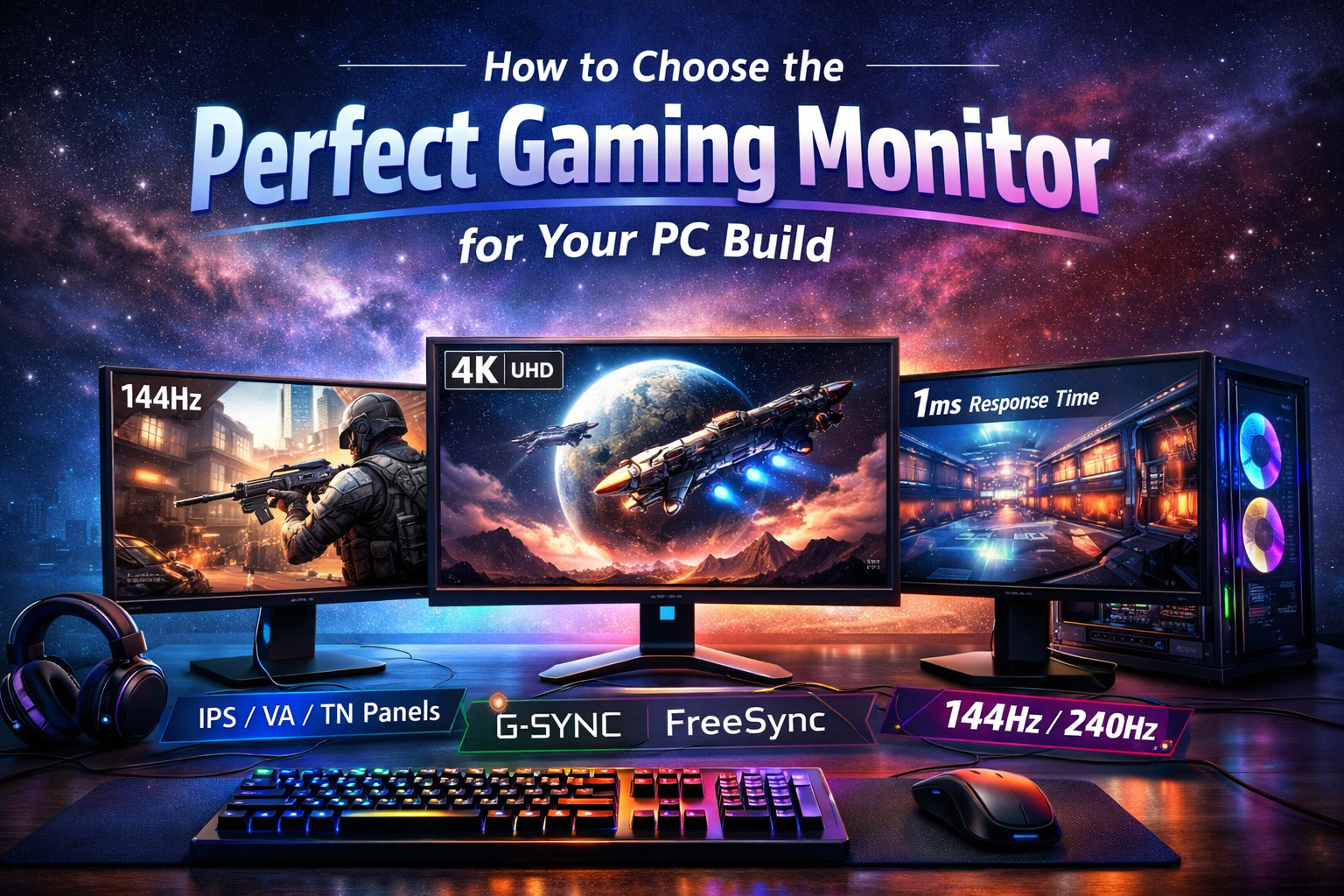
Choosing the right gaming monitor is just as important as selecting your CPU or GPU. A powerful system can easily be bottlenecked by a poor display. Resolution, refresh rate, panel type, and response time all directly impact your gaming and productivity experience.
Why Your Monitor Matters
Your monitor is the final output of everything your PC processes. No matter how powerful your hardware is, your visual experience depends on the display panel in front of you.
- Competitive Gaming: Higher refresh rates and lower response times are critical.
- Story-Driven Games: Resolution and color accuracy enhance immersion.
- Content Creation: Color accuracy and panel quality take priority.
- General Productivity: Screen size and resolution improve multitasking.
Resolution & Refresh Rate Explained
Understanding the balance between clarity and smoothness
Resolution determines how sharp your image appears, while refresh rate controls how smooth motion looks on screen. A balanced choice depends on your GPU power and intended usage.
- 1080p (Full HD): Easier to run, ideal for esports titles.
- 1440p (QHD): Perfect balance of clarity and performance.
- 4K (UHD): Stunning visuals but demands a powerful GPU.
- 144Hz–240Hz: Ultra-smooth gameplay for competitive players.
“A high refresh rate monitor won’t improve your skill — but it will make every movement feel instant and responsive. Pair it with the right GPU for maximum impact.”
Panel Types Comparison
Different panel technologies offer unique advantages. Choosing the right one depends on whether you value speed, color accuracy, or contrast.
IPS Panels
- Excellent color accuracy
- Wide viewing angles
- Great for creators and immersive gaming
VA & TN Panels
- VA: Better contrast and deeper blacks
- TN: Extremely fast response times
- Ideal for competitive gaming setups
Adaptive Sync & Response Time
Screen tearing and motion blur can ruin the gaming experience. Technologies like Adaptive Sync help synchronize your monitor with your GPU’s output to ensure smooth visuals.
- 1ms–3ms response time reduces ghosting.
- G-Sync / FreeSync prevent screen tearing.
- Low input lag improves competitive performance.
Size and Ergonomics
Screen size affects immersion and productivity. For most gamers, 24–27 inches is ideal for desk setups, while ultrawide monitors provide expanded workspace and cinematic gameplay.
Recommended Size Guidelines
- 24″: Competitive gaming focus.
- 27″: Balanced gaming and productivity.
- 32″+: Immersive single-player and creative work.
Final Thoughts
The right gaming monitor complements your PC build and enhances your overall experience. Match your resolution and refresh rate to your GPU capability, choose the appropriate panel technology, and invest in features that align with your primary use case. A well-chosen monitor can elevate every frame your system produces.